How it works
Written once, tested, run in a window
A plan does one of Wormhole's operations to the machines you choose. You test it with nothing changed, run it in a maintenance window, and every step is recorded as it happens.
-
1
Sign in and look at the estate
Sign-in to Azure happens inside the application. Choose subscriptions and Wormhole lists the machines with their zone, generation and Trusted launch state. Nothing else needs installing: no Azure CLI, no PowerShell.
-
2
Assess
Read-only, and changes nothing. It reports blockers, quota and capacity limits, and whether each machine's generation can be raised. Machines that can't be changed are refused here, not part-way through a run.
-
3
Plan
Choose the operation and the machines. Machines that are already finished, or that need a different operation, aren't offered. Anything structural the operation gives up is listed and has to be accepted per machine.
Cut the plan into waves, named batches run one at a time, so a wave can be stopped for the night and resumed. Each wave keeps its own test result.
-
4
Test
Every check the run makes, with nothing changed and the machines left running. For a zone move, Wormhole builds the exact create request and submits it to Azure's template validation while the original machine still exists.
-
5
Run
Progress is shown per machine, and the plan can be closed and reopened while it runs. The watch window draws the point of no return and says how many machines are past it.
-
6
Compare and report
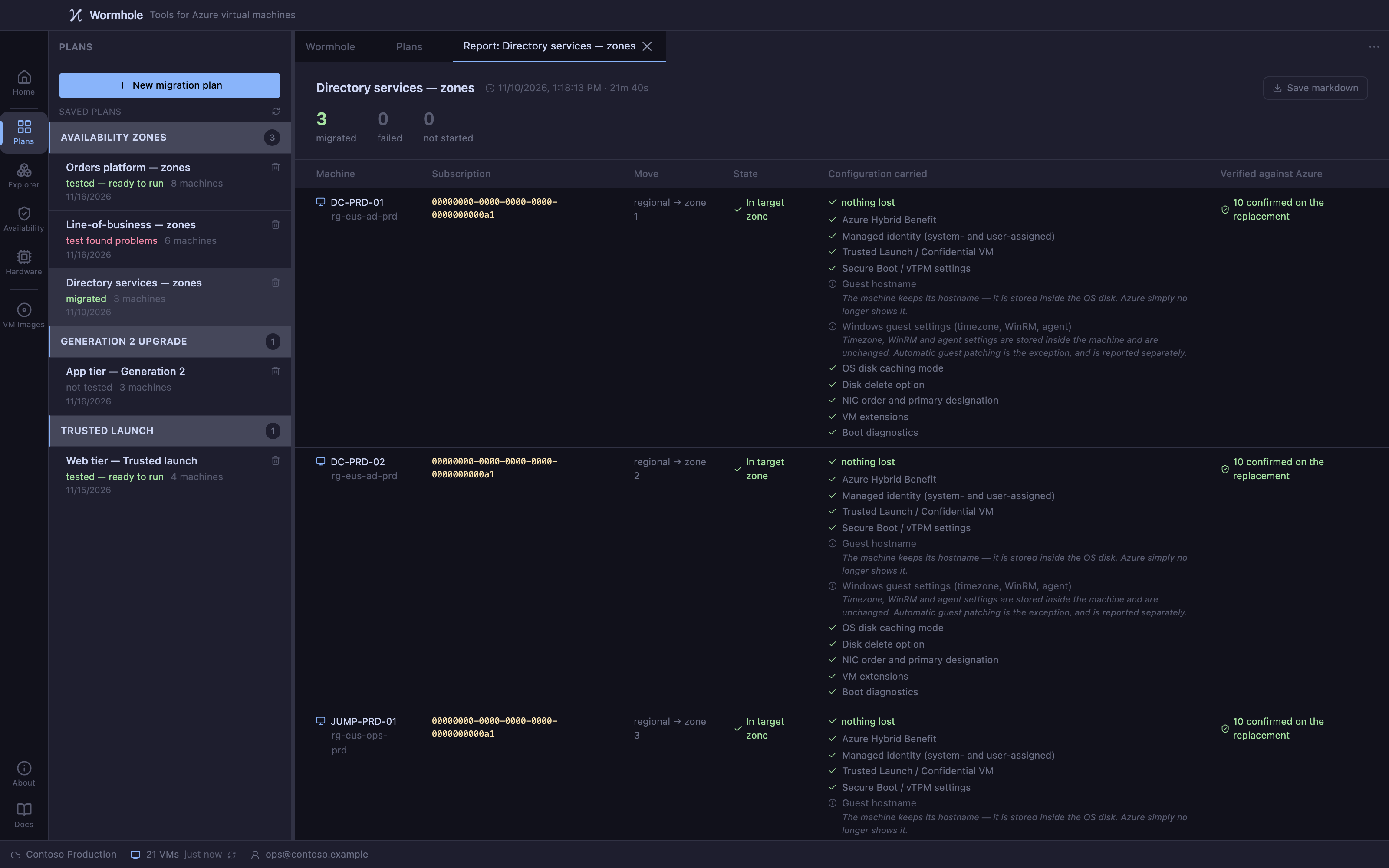
A before-and-after comparison of each machine decides whether its migration worked. Reports are derived from the run's journal.
The journal is the record
Every phase is written to an append-only journal. A run that is interrupted by a failure, a cancellation or the application closing resumes from the last completed step rather than starting again.
Before a machine is changed, its configuration is saved as a file, one per machine, which you can export as JSON.
While a machine is unfinished, the plan can't be started again from the beginning. Wormhole names the machines and offers two choices: Continue finishes them from the record, and Recover puts them back as they were.
And one tool that changes nothing
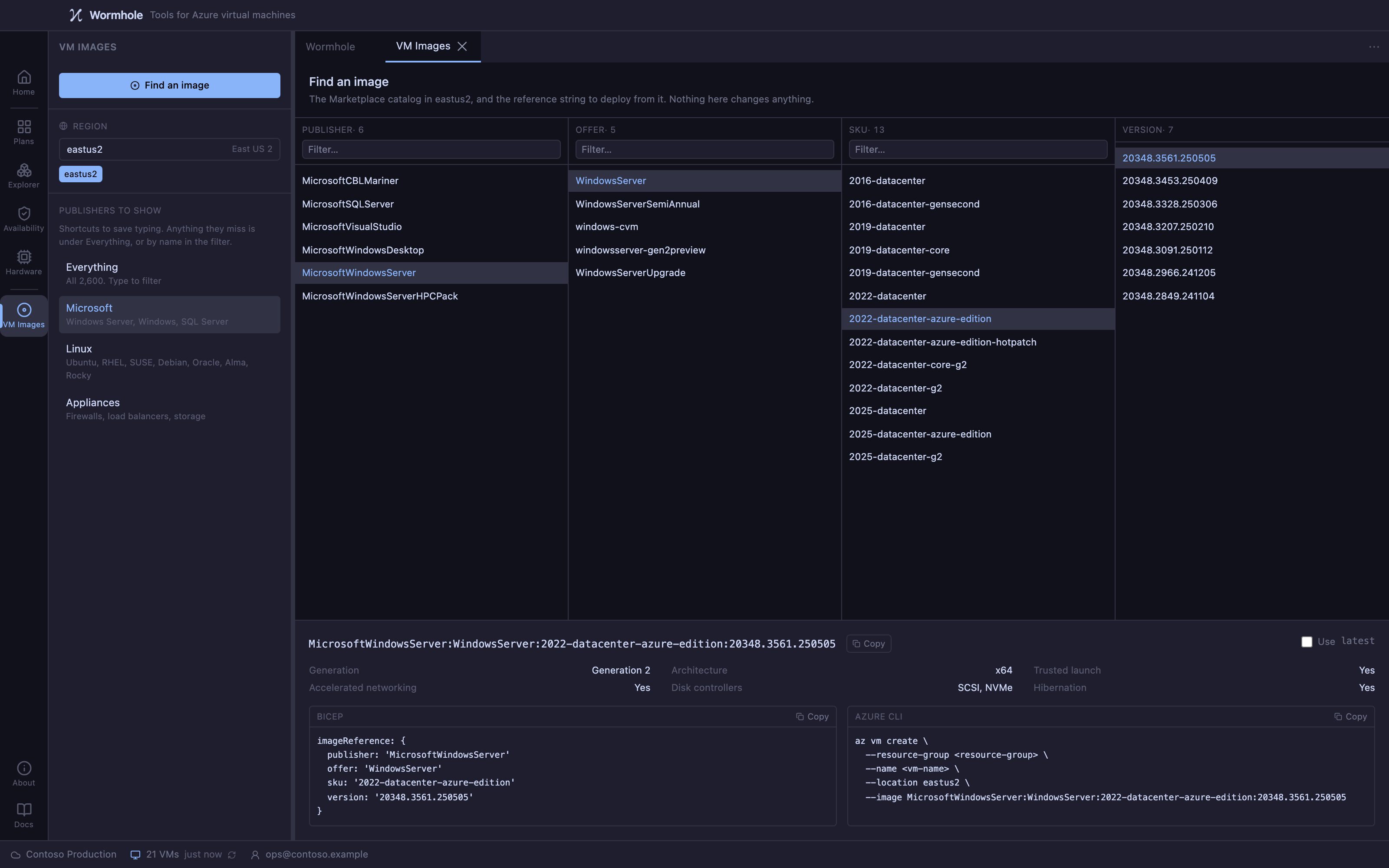
The Marketplace images view lists the images for a region, what each one supports, and the reference string to deploy it, for choosing what to build next rather than migrating what you have.